
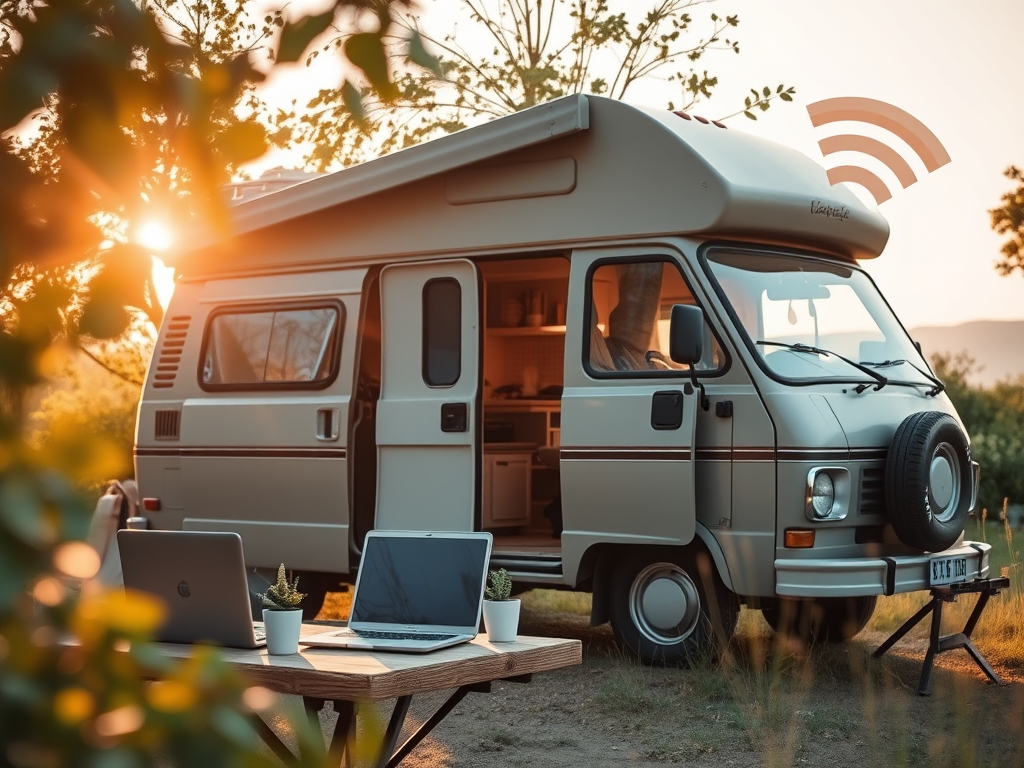
Getting Online, Gently
A thoughtful guide to campervan Wi-Fi for eco-living and accessible travel
Campervan Wi-Fi isn’t just about staying connected; it’s about choosing how, when, and why we invite technology into the spaces we travel and rest in. Whether you’re working remotely, checking maps, or catching up with family, this guide is here to help you make intentional decisions about your digital setup, without compromising your values or burning out your battery.
What Do You Actually Need?
Let’s start light: what’s the Wi-Fi for? This helps cut through overwhelm and keeps your choices values-driven.
You might need access for:
- Email or admin tasks (think HMRC logins or tax returns on the go)
- Streaming media (Netflix in the layby? Yes, please, but only if the signal holds)
- Remote work or teaching (meetings, uploads, academic databases)
- Navigation and real-time location sharing
- Emergency contact or health services (especially vital for disabled or older travellers)
- Online creative projects or platform maintenance (we see you, WordPress warriors)
Helpful link: Check UK mobile network coverage maps to see which provider suits your travel area:
→ Ofcom coverage checker
Choosing Your Wi-Fi Setup
Let’s explore the tools, from basic to boosted setups, and where they shine (or fall short):
1. Mobile Data Hotspot
Simple, portable, ideal for solo travel or occasional use.
- Use your phone’s hotspot or invest in a SIM-enabled mobile router.
- Great for urban and suburban areas with strong mobile networks.
Resources:
→ Smarty offers flexible, low-cost data plans (ideal for short trips)
→ Netgear Nighthawk for higher-grade mobile routers
2. Rooftop Antennas & Boosters
For rural or low-signal environments, adding an antenna can dramatically improve reliability.
- Popular with digital nomads and full-timers.
Resources:
→ Motorhome Wi-Fi UK offers specialist gear for travel setups
→ Solwise has affordable antennas and boosters
3. Campsite Wi-Fi
Sometimes free, often patchy. Great for budget travellers, but don’t rely on it for uploads or Zoom calls.
- Consider bringing your own booster to stabilise signal in shared networks.
Navigating Access, Inclusion & Neurodiversity
Wi-Fi planning should support how people engage, not just whether they’re online.
Consider:
- Device size and screen clarity (tablets or large font modes for low vision)
- Stable connection for AAC or communication apps
- Offline tools for those who travel in signal-sparse areas
→ Proloquo2Go for AAC
→ Voice Dream Reader for offline reading with text-to-speech
Reflection Prompt:
“How does my setup reduce stress or support autonomy for me and anyone sharing the van?”
Energy Use & Sustainability
Wi-Fi uses energy, sometimes in quiet, sneaky ways. Staying connected shouldn’t drain your solar bank or overextend your resources.
Tips for low-impact connection:
- Use Wi-Fi during daylight charging windows
- Power routers via USB or DC whenever possible
- Choose data plans that encourage moderation rather than binge access
Energy-use calculator:
→ Mobile Solar Power calculator
Reflective prompt:
“What’s my ideal rhythm between digital access and digital rest?”
Soft Planning for Real Life
Because sometimes the van moves, the signal vanishes, and the plans change…
Quick wins:
- Download offline maps and playlists before driving
→ OsmAnd Maps for offline navigation
→ Pocket Casts for downloadable podcasts - Build in offline fallback for key tasks (like writing drafts or prepping emails)
Reflective prompt:
“What’s one thing I can let go of, digitally speaking, to support a softer van rhythm?”
Final Thought: Connectivity with Intent
Wi-Fi isn’t just tech, it’s culture. What we connect to shapes how we relate, rest, and respond to the world.
So…
- Are you online to support your creativity, community, or care?
- Could your digital setup feel more aligned and less performative?
- Is it possible your best ideas arrive between connections?
Let’s let connectivity follow intention, not the other way around.
 The Sustainable Stop